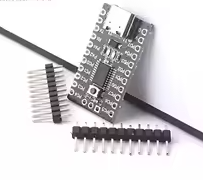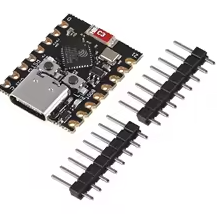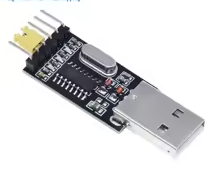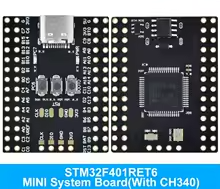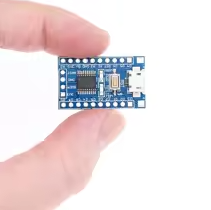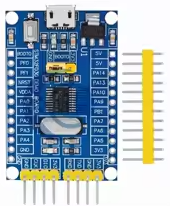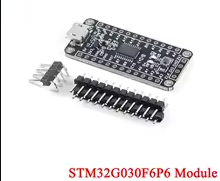
STM32G030C8T6 Mini Development System Board Module STM32G030 STM32 G030 MCU M0 Microcontroller Core Learning Chip
KSH 950.00
Out of Stock
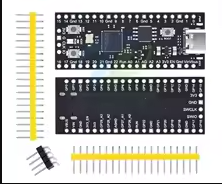
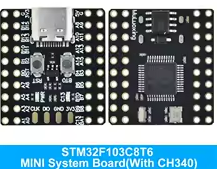
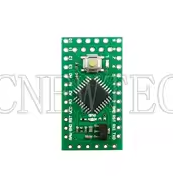
The STM32G030C8T6 is a compact development board built around the Arm CortexM0+ core. It serves as a costeffective platform for learning ARM programming and prototyping embedded applications, featuring 64KB Flash and 8KB RAM.
| Parameter | Value |
|---|---|
| Core | ARM CortexM0+ 32bit [citation:3][citation:7] |
| Clock Speed | Up to 64 MHz [citation:3][citation:7] |
| Flash Memory | 64 KB [citation:3][citation:7] |
| SRAM | 8 KB [citation:3][citation:7] |
| Operating Voltage | 2.0V to 3.6V (Core) / 5V (USB) [citation:3] |
| GPIO Pins | Up to 37 accessible via headers [citation:10] |
| ADC | 12-bit with up to 16 channels [citation:3][citation:7] |
| Communication | 2x I2C, 2x USART, 2x SPI [citation:3][citation:7] |
= Key Features =
Rich Peripheral Set Includes advancedcontrol PWM timer and RTC [citation:3][citation:7]
Flexible Power Options USBC or external 5V via pin header [citation:2]
Onboard Resources - 8MHz and 32.768kHz crystals for precise timing [citation:2]
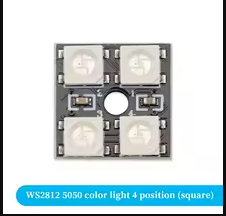
User Interface - Includes RGB LED and reset button [citation:2]
External Storage - Some variants include onboard I2C EEPROM [citation:4][citation:6]
√ Ideal for educational and hobbyist projects
√ STM32duino compatible
√ Breadboard-friendly form factor
The board supports multiple development environments:
Programming Method: Use an ST-Link V2 programmer connected to the SWD interface. The USB port is for power only [citation:4][citation:8].
Board not recognized:
Firmware upload fails: