I2C LCD Adapter for 1602 and 2004 Displays
KSH 150.00
In Stock
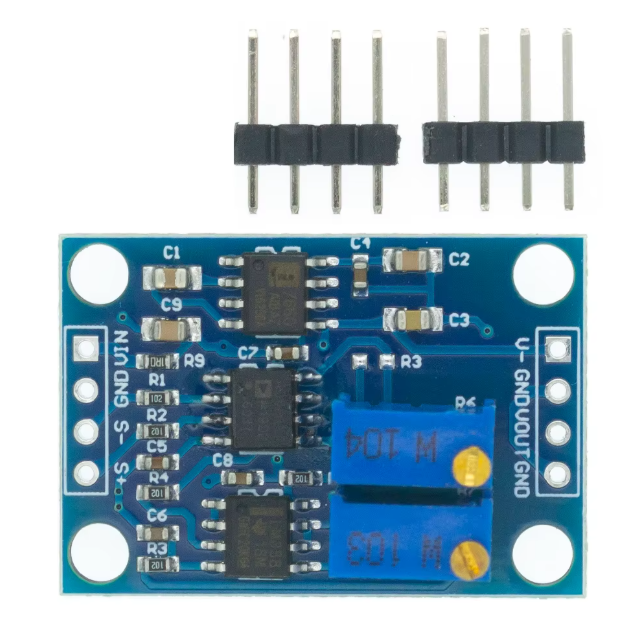
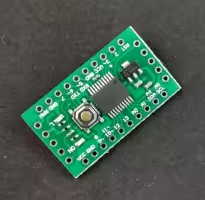
The I2C LCD adapter is a serial interface module designed to simplify wiring for 1602 (16x2) and 2004 (20x4) character LCD displays [citation:1][citation:7]. Often called an "LCD backpack," it converts the standard 16pin parallel connection into a simple 4wire I2C interface (VCC, GND, SDA, SCL), saving valuable GPIO pins on your Arduino or other microcontroller [citation:3][citation:7].
| Parameter | Value |
|---|---|
| Interface | I2C (SDA, SCL) |
| Supply Voltage | 5V (3.3V-5V on some models) [citation:4][citation:8] |
| I2C Address | 0x27 (default, adjustable) [citation:2][citation:5] |
| Chip | PCF8574T or AiP31068 [citation:2][citation:4] |
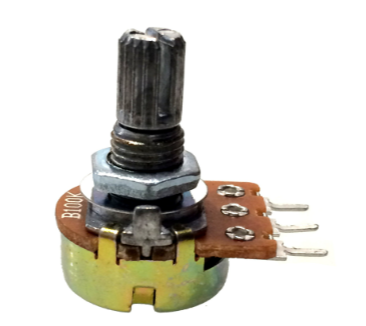
| Adjustments | Contrast potentiometer, Backlight jumper [citation:1][citation:7] |
= Key Features =
+Simple Wiring - Only 4 connections needed (VCC, GND, SDA, SCL) [citation:3]
+Compatibility - Works with 1602 (16x2) and 2004 (20x4) character LCDs [citation:1][citation:6]
+Backlight Control - Jumper to enable/disable backlight [citation:7][citation:8]
+Library Support - Compatible with LiquidCrystal_I2C and similar libraries [citation:1][citation:11]
√ Multiple addresses for daisy-chaining up to 6+ displays [citation:3][citation:13]
√ Solder pads (A0/A1/A2) for address selection [citation:7][citation:8]
√ Fast 100kHz I2C communication [citation:2]
| Module Pin | Arduino UNO | ESP32 |
|---|---|---|
| VCC | 5V | 3.3V or 5V [citation:4] |
| GND | GND | GND |
| SDA | A4 | GPIO21 |
| SCL | A5 | GPIO22 |
> Use I2C scanner sketch to find the address of your module if 0x27 doesn't work [citation:7]
## Troubleshooting
No display:
Garbled characters: