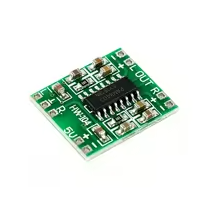
MAX4466 Electret Microphone Sensor Module
High-Quality Sound Amplifier for Arduino and Audio Projects
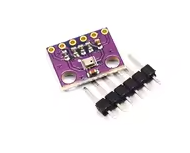
The MAX4466 module is a highperformance electret microphone amplifier, offering an excellent balance of sensitivity and low noise. It is a complete breakout board with a microphone and a dedicated preamplifier, widely used in projects that require audio input, such as voice changers, audio recording, and audioreactive visualizations [citation:2][citation:3].
Optimized for Audio Maxim's MAX4466 opamp provides great sound quality with low noise compared to other microphone amplifiers [citation:2][citation:10].
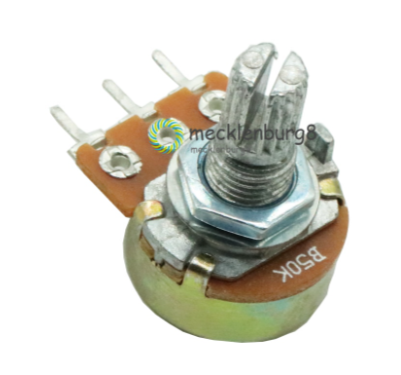
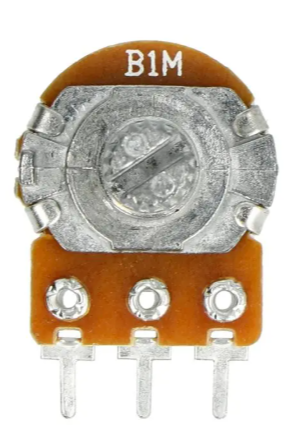
Adjustable Gain A trimmer potentiometer allows you to set the gain from 25x to 125x, making it perfect for both linelevel input and direct reading by a microcontroller's ADC [citation:2][citation:3][citation:10].
Operating voltage: 2.4V to 5.5V DC. Output is railtorail, capable of reaching up to 5Vpp for loud sounds [citation:3][citation:10].
For the best performance, use the cleanest power supply available. On an Arduino, the 3.3V supply is recommended [citation:2][citation:3][citation:10].
Technical Specifications
| Parameter | Value |
|---|
| Microphone Sensitivity | 52dB (typical) |
| Microphone SNR | 40dB (typical) |
| Supply Voltage | 2.4V to 5.5V DC |
| Gain Range | 25x to 125x (adjustable) |
| Frequency Response | 20Hz to 20kHz |
| Package Size | ~32 x 24 x 8mm |
The module typically includes a trimmer pot on the back to adjust gain [citation:8]. For a low gain setting (200mVpp), it works with linelevel inputs, while a higher setting (1Vpp) is ideal for connecting to a microcontroller's analogto-digital converter (ADC) [citation:2][citation:3][citation:10].
Connection Guide
The module has a simple 3-pin interface:
- *VCC: Connect to 3.3V* (or 2.4-5.5V)
- *GND*: Connect to ground
- *OUT*: Connect to a microcontroller's analog input pin (e.g., A0 on an Arduino)
The output has a DC bias of VCC/2, meaning the voltage will be half of the supply voltage when it's perfectly quiet [citation:3][citation:10].
Troubleshooting
No sound detected:
- Ensure the microphone is oriented towards the sound source.
- Adjust the trimmer potentiometer to increase the gain.
- Check the VCC and GND connections.